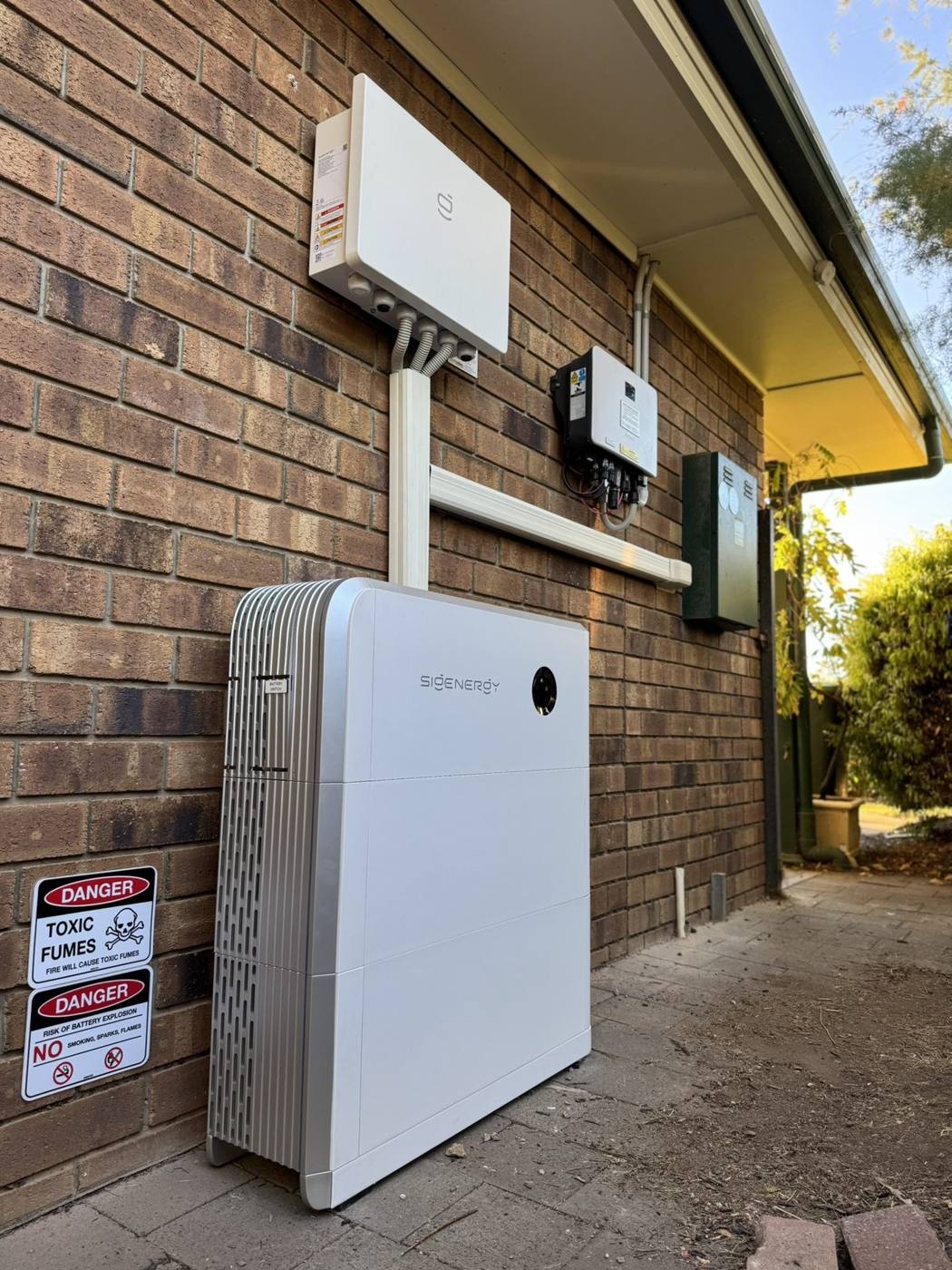
Stand near the inverter with your WiFi name and password. Open the iSolarCloud app and find the WLAN or network configuration option. Connect your phone to the module's own WiFi hotspot, usually named SG- plus a serial number, choose your home network, enter the password and wait a few minutes for live data. Menu names vary between app versions.
- Use the iSolarCloud app and a 2.4 GHz WiFi network.
- Connect your phone to the module's SG- hotspot, then pick your home WiFi.
- Changed routers or passwords? Run the setup again.
- No WiFi doesn't stop production, but you lose monitoring and alerts.
- Stuck after two tries, or seeing errors? Call us and don't open the inverter.
Before you start
- Your WiFi name and password. Exactly as typed, capitals matter.
- A 2.4 GHz network. Sungrow's WiFi modules use 2.4 GHz. Most home routers broadcast it, sometimes under the same name as the 5 GHz band.
- The latest iSolarCloud app on your phone, and your login if you have one. Your installer may have set up the account.
- The communication module. A small stick plugged into the underside of the inverter, often labelled WiNet-S or WiNet-S2 on newer systems.
Don't open the inverter or unplug anything with the system running. Everything below is done from your phone.
Step by step: connecting your Sungrow to WiFi
Sungrow updates the iSolarCloud app often, so button names move around. The steps below are the same in every version, even if the wording on your screen is a little different.
- Check the signal at the inverter. Stand next to it and look at your phone's WiFi bars. If it's one bar or less, fix that first (see below).
- Open iSolarCloud. Update it first if the app store offers an update.
- Find the network setup option. Look for something like WLAN Configuration, Network Configuration or Local Access. Depending on the version it's on the login screen, in the menu or under your plant settings.
- Connect to the module. The app will ask you to scan the QR code on the module or join its WiFi hotspot in your phone settings. The hotspot name usually starts with SG- followed by the serial number.
- Choose your home network. Pick your WiFi from the list and enter the password carefully.
- Wait. Give it a few minutes. The lights on the module will change as it connects to your router and then to Sungrow's servers.
- Check live data. Switch your phone back to your home WiFi, open the app and confirm the time stamp is current and power figures are updating.
Can't see the SG- hotspot? On many modules the hotspot switches off after a while, and a short press of the button on the module turns it back on. Don't hold the button in. A long press can reset the module.
Send us your details and what the inverter is doing. We'll sort the connection and check the system.
Why won't my Sungrow inverter connect?
| Problem | What to try |
|---|---|
| Weak signal at the inverter | Move the router, add a WiFi extender or mesh point near the garage, or run a network cable. WiNet-S modules also have an Ethernet port. |
| New router or new password | The inverter is still looking for the old network. Run the steps above again. |
| Network not in the list | Your router may only be broadcasting 5 GHz. Turn on 2.4 GHz or set up a separate 2.4 GHz network. |
| Password rejected | Retype it slowly. Avoid copying and pasting, which can add spaces. |
| Phone drops off the hotspot | Turn off mobile data during setup so the phone doesn't jump back to 4G or 5G. |
| App out of date | Update iSolarCloud, then log out and back in. |
| Still nothing | The module may need resetting or replacing, or there's a fault elsewhere. Call us. |
After you're connected
Once live data is coming through, take a minute to set things up so you notice problems early.
- Turn on notifications in the app so fault alerts reach your phone.
- Check the history each month and compare to the same month last year.
- Share access with your installer if you'd like them to keep an eye on it. They can then see faults without coming out.
If you have a Sungrow battery, the app also shows when it charges and discharges. It's a good way to see whether your battery is set up to suit how you use power.
Does WiFi affect how much power I make?
No. Your solar keeps producing and your battery keeps charging without WiFi. What you lose is visibility: live data, history, fault alerts and remote firmware updates.
That visibility matters. Without it, a fault can go unnoticed for months while your bills creep up. Checking your app is the simplest part of looking after your solar.
When to call a solar electrician
If you've been through the steps twice and it still won't connect, give us a call on 0425 322 552, Monday to Friday, 8am to 5pm. It's usually a quick fix. Call straight away if you see any of these:
- Red fault lights or error codes on the inverter
- The inverter screen or lights are off during the day
- The app shows zero production on a sunny day
- A damaged, loose or burnt module or cable
- A burning smell or buzzing from the inverter
Never open the inverter. It carries high DC voltage from the panels even when the grid is off. See our solar repairs and maintenance service.